
The Biggest Misconception About Office Buying in 2026

Most people assume that outfitting an office is three separate decisions: pick your supplies, choose your furniture, then figure out software. That framing is not just outdated — it actively costs organizations money. A 40-person company signing a new lease with a $150,000 outfitting budget and three simultaneous procurement decisions in front of them does not have a supplies problem, a furniture problem, and a software problem. They have a sequencing problem. Get the order wrong, and you end up with 60 fixed desks for a team that only comes in three days a week, a printer station nobody uses, and three overlapping project management tools that nobody fully adopted.
This guide treats supplies, furniture, and software as an integrated system — because that is how they function in practice. The structure follows the decision sequence that actually works: software first, space second, consumables last. Each section delivers specific, actionable guidance you can use whether you are outfitting a new office, renegotiating a lease, or auditing an existing setup.
The 2026 Office Buying Landscape: What Has Changed and Why It Matters

The numbers tell a clear story about where office spending is heading, and they should directly inform how you allocate budget. Three markets are moving in three different directions simultaneously.
Traditional office supply retail is in structural decline. According to IBISWorld's Office Supply Stores in the US Industry Analysis, 2026, industry revenue will reach an estimated $8.3 billion in 2026 — a 0.6% drop from the prior year, and part of a five-year decline at a 2.2% CAGR. Digitalization is the primary driver: paper, toner, and physical filing supplies are losing relevance as businesses migrate to cloud-based workflows. Consumers are also shifting purchases to online and discount retailers, squeezing traditional specialty suppliers further.
Business software is the opposite story. Research and Markets estimates the business software market at $659.3 billion in 2026, growing from $593 billion in 2025, with projections reaching $1.28 trillion by 2031 at an 11.71% CAGR. Software now commands the largest share of most office budgets — and that share is growing every year.
Office furniture sits between these two extremes. Research Nester values the global office furniture market at $56.7 billion in 2026, growing to $109.8 billion by 2035 at an 8.5% CAGR. In the United States specifically, Mordor Intelligence puts the 2026 US market at $11.47 billion, growing to $14.94 billion by 2031 at a 4.92% CAGR. Hybrid work redesigns and ergonomic demand are the primary growth engines.
The practical implication: if your office budget still allocates 25–30% to paper-based consumables, you are funding a declining category at the expense of two growing ones. A company that spent $12,000 on copy paper, toner, and physical filing in 2019 should be spending a fraction of that in 2026 — and redirecting the difference toward ergonomic workstations and integrated software tools.
How to Sequence Your Purchasing Decisions: Software First, Then Space, Then Supplies
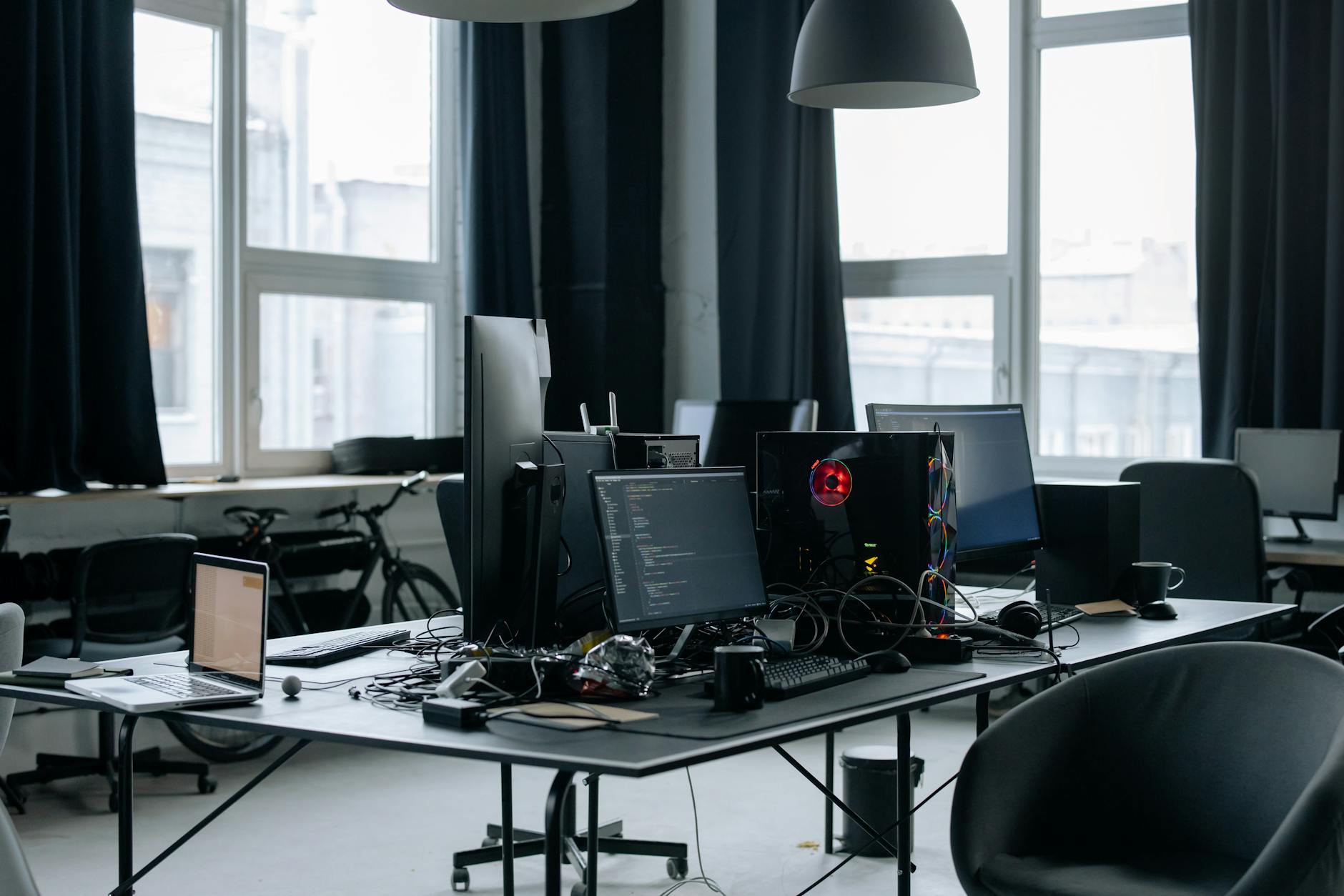
The most expensive procurement mistake in 2026 is buying furniture for a headcount that your software-enabled hybrid policies will never actually fill. One company purchased 60 fixed desks before finalizing its remote-work policy. Eighteen months later, 20 of those workstations sat permanently empty — representing roughly $35,000 in sunk furniture costs, plus ongoing square footage expense.
The correct sequence works like this:
- Decide your software stack first. Your collaboration and workflow tools determine how many people need to be physically present on any given day. A team using asynchronous-first tools like Notion, Linear, or Basecamp may only need 60% as many dedicated desks as their headcount suggests. A team running synchronous, in-person-heavy workflows needs closer to 1:1 desk ratios.
- Use software-defined attendance patterns to plan furniture. Once you know your realistic daily in-office population, you can calculate desk-sharing ratios, the number of focus pods needed versus open workstations, and how many video-call booths to install.
- Let your furniture layout define your supply needs. A paperless-by-default workflow policy means printer stations and paper storage become low-priority line items. A team that uses digital whiteboards for remote collaboration still benefits from one or two physical whiteboards for in-person sessions — but not ten.
Before any vendor conversations, write a one-page procurement brief that documents: your expected daily in-office headcount, your primary collaboration model (synchronous vs. asynchronous), your sustainability commitments, and your three-year growth projection. This document becomes your filter for every vendor pitch you receive.
According to the Ultimate Guide to Buying Office Furniture in 2026, citing research from the American Society of Interior Designers (ASID), 90% of employees report that office design directly affects their productivity. That statistic cuts both ways: a well-sequenced office design amplifies productivity, but a poorly sequenced one — furniture bought before software decisions are finalized — creates friction that no ergonomic chair can fix.
Office Supplies in 2026: What to Still Buy, What to Cut, and What to Replace Digitally

Not every physical supply is obsolete. The useful framework is not "paper vs. digital" but rather "which physical items create value that software genuinely cannot replicate?"
Categories to Cut or Reduce Significantly
- Copy paper and printer consumables: Digital signature tools like DocuSign or Adobe Acrobat Sign eliminate the primary driver of paper consumption — contract workflows. A mid-sized company processing 200 contracts per year can eliminate most of its printer paper budget with a $35/month digital signature subscription.
- Physical filing systems: Lateral file cabinets, hanging folders, and manila envelopes represent sunk-cost thinking. Cloud document management (Google Drive, SharePoint, Dropbox Business) replaces them at lower cost with better search capability.
- Fax-related supplies: No further explanation required.
- Single-use plastic items: Eco-pressure and ESG commitments make disposable plastic office items an increasingly poor procurement choice, independent of cost.
Categories Still Worth Buying
- Quality writing instruments: Pilot G2, Uni-ball Jetstream, and similar pens remain genuinely useful for in-person ideation, annotation, and signing. Buy fewer, buy better.
- Physical whiteboards: A shared digital whiteboard tool like Miro or FigJam handles remote collaboration effectively, but a physical whiteboard in a conference room still outperforms a screen for in-person brainstorming. One per meeting room is appropriate; ten across an open floor plan is not.
- Ergonomic desk accessories: Monitor risers, cable management systems, keyboard trays, and document holders deliver measurable comfort improvements at low cost ($25–$85 per item) and have no digital substitute.
- Cleaning and hygiene supplies: Non-negotiable. Post-pandemic standards have raised baseline expectations permanently.
As IBISWorld notes, eco-friendly and electronic products represent the growth segment within physical supplies. Buyers who prioritize recycled-content paper (for the paper they do still buy), refillable ink systems, and energy-efficient devices are aligned with both market direction and procurement best practice.
Implement a quarterly supply audit. For every SKU you reorder, classify it as: essential (no digital substitute exists), reducible (still needed but in smaller quantities), or replaceable (a software tool can eliminate this entirely). Most organizations find that 30–40% of their recurring supply spend falls into the replaceable category.
Ergonomic Office Furniture: The Buyer's Framework for Chairs, Desks, and Beyond

The global office furniture market growing at 8.5% CAGR through 2035 is not an accident — it reflects genuine demand from organizations redesigning spaces around ergonomic health and hybrid work patterns. But market growth also means more vendors, more price points, and more marketing noise. Here is how to evaluate furniture on functional criteria rather than brand reputation alone.
Ergonomic Chairs
The minimum specification for a 2026 office chair purchase includes: lumbar support that is independently height-adjustable (not just present), seat depth adjustment of at least 2 inches, armrests that adjust in height, width, and pivot angle, and a breathable mesh or high-density foam back. The Herman Miller Aeron ($1,395–$1,795) and Steelcase Leap V2 ($1,299–$1,599) remain the professional-grade benchmarks. The Humanscale Freedom ($1,200) is a strong alternative with a self-adjusting recline mechanism that requires less user configuration — useful in hot-desking environments where different users sit in the same chair daily.
Mid-range options worth considering: the Branch Ergonomic Chair ($379) and the Autonomous ErgoChair Pro ($399) both offer adjustability comparable to chairs costing twice as much, with the trade-off being shorter warranty periods and less refined build quality. For entry-level ergonomic on a tight budget, the HON Ignition 2.0 ($289–$359) is a reliable workhorse with genuine lumbar adjustment.
Sit-Stand Desks
Evaluate height range first: a desk that accommodates users from 5'0" to 6'4" needs a range of approximately 22" to 48". Motor noise matters more than buyers expect — a loud motor disrupts open-plan environments. The Uplift V2 ($599–$799 for a standard frame) is consistently rated among the quietest dual-motor options. The Flexispot E7 ($349) offers comparable stability at a lower price point. Both include programmable memory presets, which are essential in hot-desking configurations where users need to recall their preferred height quickly.
Modular and Expandable Systems
A 20-person startup that used a modular furniture system from Haworth or Knoll's Antenna Workspaces line was able to reconfigure from open-plan to hybrid-pod layout without purchasing new furniture — simply by redeploying panels, adding acoustic screens, and repositioning desk clusters. The upfront cost premium of modular systems (typically 20–35% higher than fixed furniture) pays back within two to three years if your team size or layout changes even once.
Biophilic design elements — natural light access, live plants, natural material finishes like wood and stone — are increasingly incorporated into furniture planning. The ASID research cited by rosiinc.com supports the measurable wellbeing impact of these choices. Practically, this means specifying furniture with wood veneer or bamboo surfaces over all-plastic options, and planning desk clusters around window access rather than interior walls.
Collaborative and Hybrid Workspace Design: Furniture for How Teams Actually Work

Hybrid work has created two distinct space needs that require different furniture specifications. Getting the ratio wrong is the most common layout mistake in 2026.
Focus zones need acoustic management, visual privacy, and individual ergonomic control. Furniture specifications: sit-stand desks, high-back task chairs with headrests, monitor arms, and acoustic desk screens (Framery, BuzziSpace, or Offecct panels work well at $185–$350 per panel). These spaces should be bookable through your desk-reservation software.
Collaboration zones need mobility and technology integration. Tables on casters (the Steelcase Verb table at $889–$1,200 is a strong choice), stackable chairs (Knoll's Multigeneration chair stacks cleanly and is comfortable for 90-minute sessions), and modular soft seating that can be rearranged in minutes. Every collaboration zone in 2026 also needs a video-call specification: minimum 90dB acoustic rating for enclosed booths, camera shelf positioned at eye level (approximately 54–58 inches from floor), USB-C and HDMI power access, and a display mount rated for at least a 55" screen.
One company used badge-swipe and desk-booking data from their workplace management software to discover that 40% of their fixed desks were unused on Tuesdays and Thursdays. They reconfigured those areas into four collaboration pods — each seating six — and reduced their total desk count from 80 to 52. The freed square footage reduced their lease cost at renewal by approximately $18,000 annually.
As VividWorks notes, data analytics tools are increasingly used by facilities managers to track desk utilization and optimize layout. If your workplace management software (Robin, Envoy, or OfficeSpace are common options) exports occupancy data, use it before finalizing any furniture order. Buying furniture based on gut instinct about how your team uses space is how you end up with the wrong ratio of focus seats to collaboration seats.
Business Software in 2026: How to Evaluate What Your Organization Actually Needs
A $659.3 billion market means you are not facing a shortage of options. You are facing a filtering problem. The primary skill in software procurement in 2026 is not discovery — it is elimination.
Start With a Workflow Audit
Before opening a single vendor website, map your team's five highest-frequency recurring processes. For each one, identify: where manual steps exist, where data gets re-entered across systems, and where communication gaps cause delays or errors. This audit takes two to three hours and eliminates approximately 60% of the software demos you would otherwise sit through.
Five questions to ask during the audit:
- Which process, if automated, would save the most hours per week?
- Where does work get stuck waiting for a human decision that could be rule-based?
- Which tools do team members use workarounds for — spreadsheets, email threads, sticky notes — because the official system is inadequate?
- Which data exists in two or more systems that should be in one?
- Which reporting tasks take more than two hours per week to compile manually?
Core Categories and What to Prioritize
Most organizations need tools in five categories: project management, CRM, HR/HCM, accounting/ERP, and communication/collaboration. The mistake is buying enterprise-grade solutions in all five simultaneously. Prioritize depth in the categories where your workflow audit identified the most friction, and accept mid-tier tools in categories where your current process is already functional.
The CRM market is expanding at a 9.80% CAGR from 2026 to 2030, reaching $86.55 billion by 2030 according to Statista data cited by iTransition. For HCM specifically, the ISG Research 2026 Buyers Guide for HCM evaluates software providers on both product experience and customer experience — a useful dual-lens framework that applies beyond HCM to any software category.
The AI Hype Problem
MGI Research's CPQ Top 35 Buyer's Guide 2026 makes a point that applies across every software category: vendors struggling for differentiation are leaning on Gen AI claims that amplify noise and increase buyer c