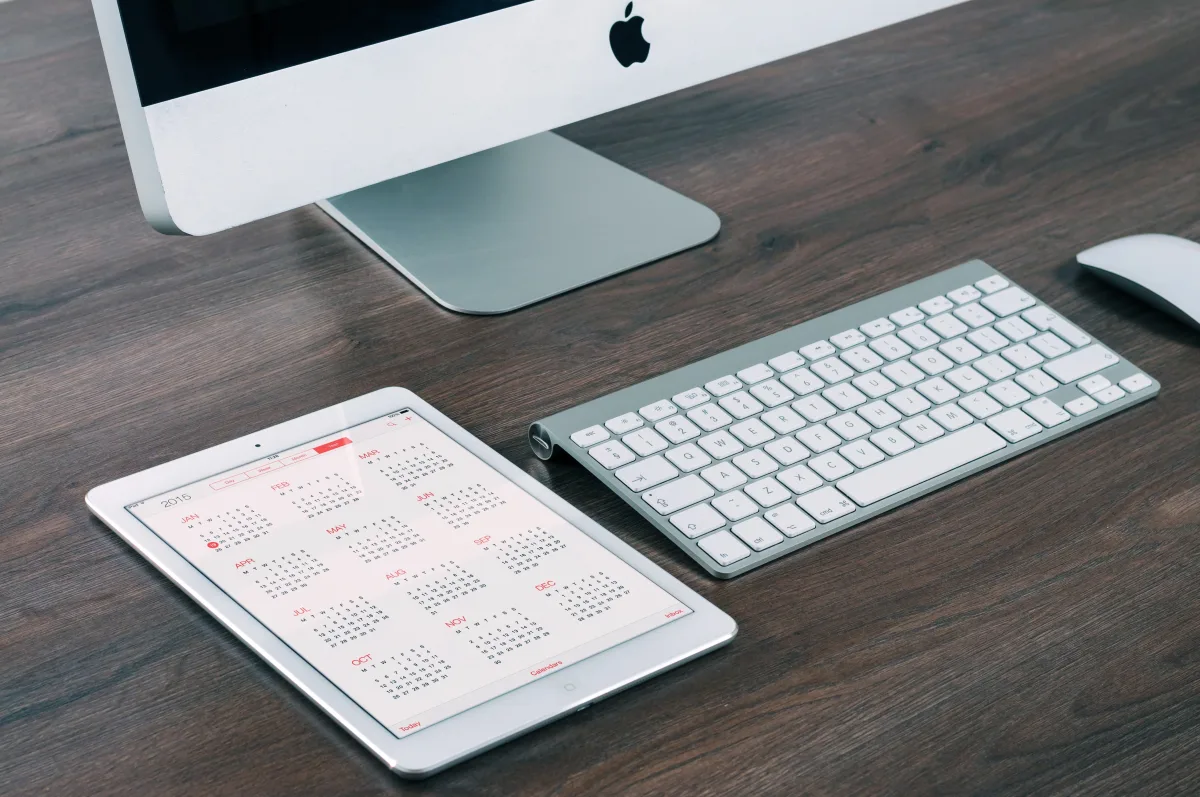
If you only read one paragraph: for most people who want one tablet that does everything well, the base iPad (11th gen) is the safest buy. If you're already deep in Android and want a big screen with a free stylus, get the Samsung Galaxy Tab S10 FE+. If you mainly want a cheap screen for streaming, reading, and the kids, the Amazon Fire HD 8 beats the HD 10 for most households. Keep reading for the why, broken down by budget, ecosystem, and actual daily use — not spec-sheet numbers you'll never notice.
You're standing in a store — or, more likely, scrolling through ten browser tabs at midnight — trying to decide between an iPad, a Samsung Galaxy Tab, and an Amazon Fire. You already know the brand names. What you don't know is which one fits how you actually live, what devices you already own, and what you'll realistically still be using this tablet for six months from now. That's the question this comparison answers directly, with no vague "great for everyone" verdicts.
The 2026 tablet market spans an enormous price range, from under-$100 Fire tablets built for streaming to $1,000-plus iPad Pro models that rival laptops in raw power. Apple holds roughly 40% of the global tablet market, Samsung follows with around 18%, and Amazon's Fire line anchors the budget segment at about 7% — numbers that map closely to three distinct buyer profiles this guide addresses head-on.
For broader context on how a tablet fits into your wider electronics budget — phone, laptop, headphones, and the rest — see our complete consumer electronics buying guide for 2026.
Head-to-Head: iPad Air M4 vs Samsung Galaxy Tab S10 FE+ vs Amazon Fire HD 10
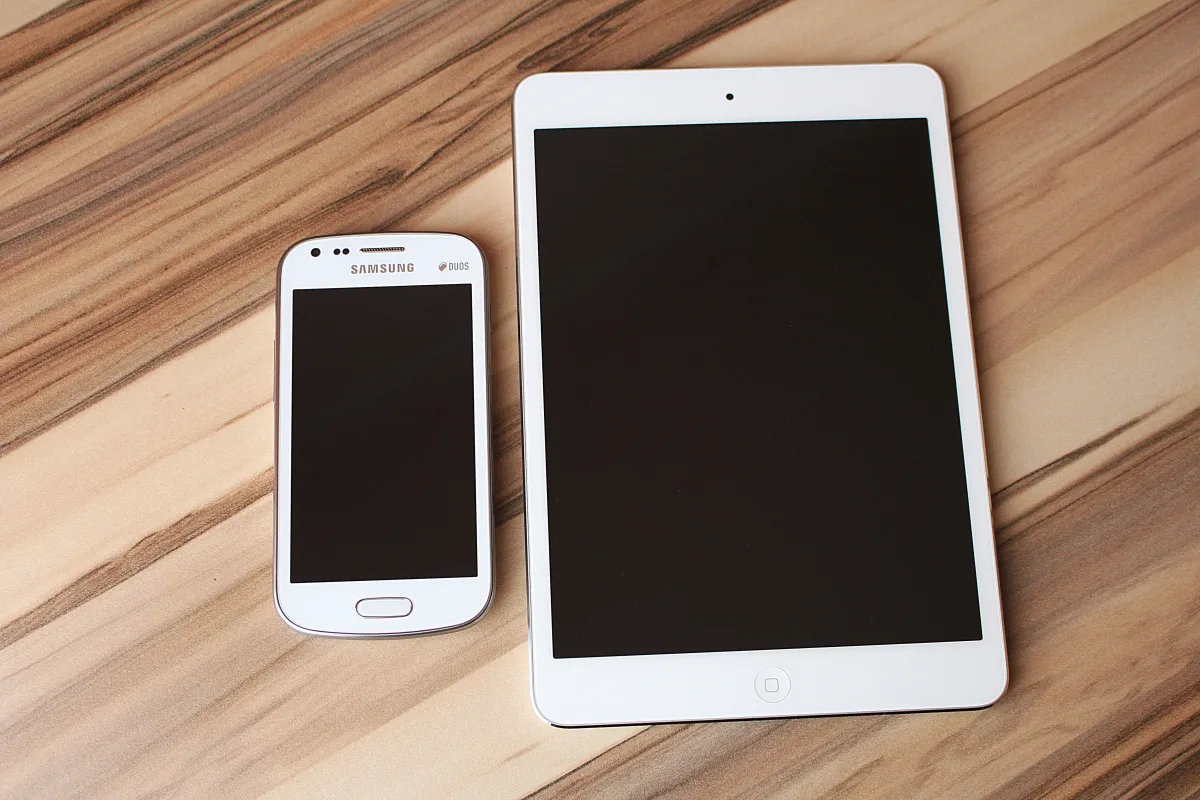
Before the nuances, here's where each tablet stands at a glance. These three devices are the clearest expression of their brand's philosophy in 2026.
| Feature | Apple iPad Air M4 (2026) | Samsung Galaxy Tab S10 FE+ | Amazon Fire HD 10 |
|---|---|---|---|
| Operating system | iPadOS | Android (One UI) | Fire OS |
| Chipset | Apple M4 | Samsung Exynos 1580 | Octa-core, media-optimized |
| Display | 11" or 13" Liquid Retina | Large LCD | 10.1" 1080p LCD |
| Best for | Power users, creatives, Apple households | Android users, mid-range productivity | Streaming, casual use, budget households |
| Independent recognition | Top pick, premium tier | Editors' Choice, mid-range | Editors' Choice, affordable tier |
According to a hands-on review by CNET, the iPad Air M4 is the only iPad to get an update so far in 2026, and pairing a lower price than the Pro with the same M4 chip gives it the best value of any current iPad. The Air sits below the Pro in price while carrying the same processor — a meaningful shift compared with previous generations.
The Samsung Galaxy Tab S10 FE+ earns its place in the mid-range with a large display, Android flexibility, and a feature set that outperforms its price tag. The Amazon Fire HD 10 doesn't try to compete on raw performance at all — it's a purpose-built media and casual-use device that succeeds precisely because it doesn't attempt to do everything.
The Hidden Cost Nobody Talks About: Ecosystem Lock-In
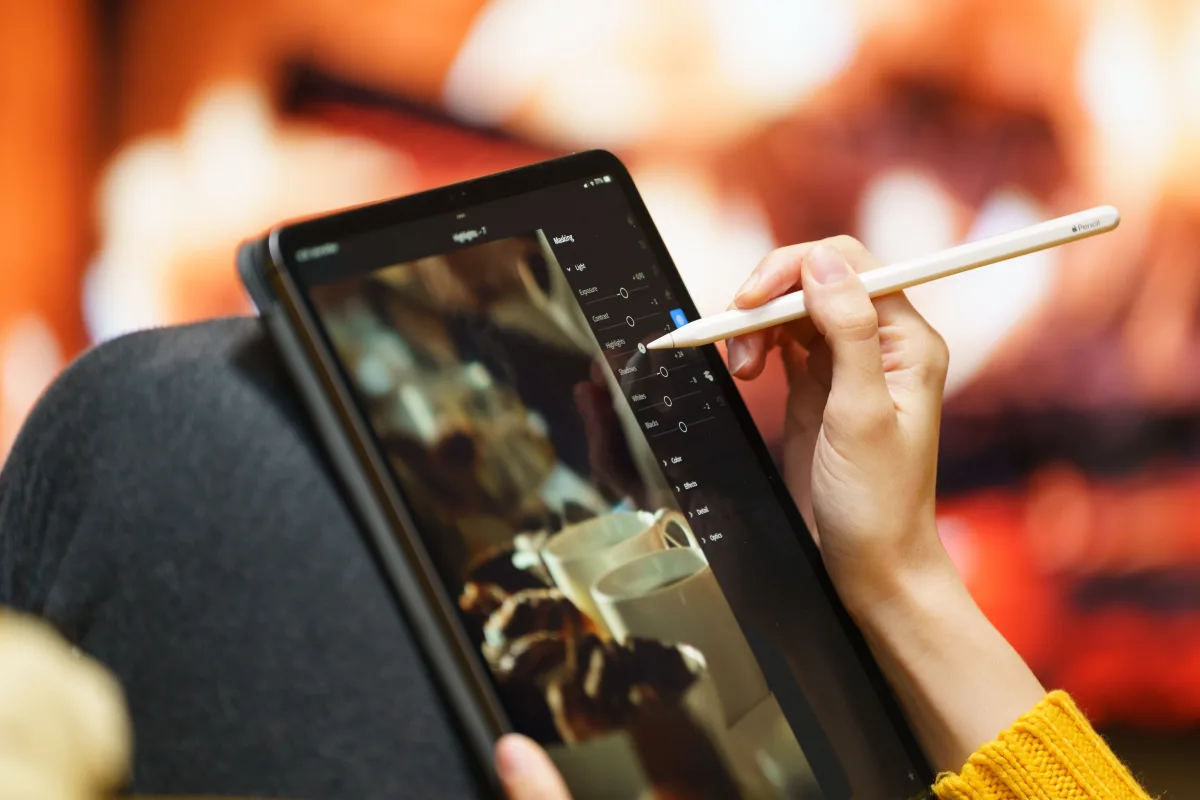
Most tablet comparisons stop at specs. Few compare the total cost of committing to a platform, and that's exactly where buyer's remorse comes from.
Apple iPads don't ship with the Apple Pencil or a keyboard case — those are separate purchases. Mashable notes that an iPad paired with a Magic Keyboard Folio can roughly double the total cost versus the tablet alone. That's a real expense for anyone who wants a laptop-replacement setup, not an accessory afterthought.
Samsung handles this differently on several models: the Galaxy Tab S9 series, for instance, includes the S Pen stylus at no extra charge — a stylus that retails separately for roughly $99.99, per Mashable. For note-takers, students, and artists who want stylus input without paying Apple Pencil prices, that's a tangible advantage.
Amazon Fire tablets carry a different kind of cost: app ecosystem limitations. Fire OS is a forked version of Android that doesn't include the Google Play Store — apps come through Amazon's Appstore, which has a narrower catalog than either the App Store or Google Play. If you rely on specific productivity apps, this is a hard constraint, not a minor inconvenience.
Long-term software support is another ecosystem cost spec sheets never mention. Wirecutter specifically flags frequent iOS security updates as a distinguishing feature of the iPad lineup — something it says can't be claimed for many Android tablets. A tablet that stops receiving security patches becomes a liability, not just an inconvenience, especially if you store personal or financial information on it.
If your household already runs on an iPhone, Mac, or AirPods, an iPad compounds that value through Handoff, AirDrop, and Universal Clipboard — features with no direct Android equivalent. The more Apple hardware you already own, the higher an iPad's effective value relative to its sticker price.
Performance: What the Chipsets Actually Mean Day to Day
The iPad Air M4 runs Apple's M4 chip — the same processor found in current MacBook models. That's not marketing language; it's a desktop-class chip in a tablet body, and it creates a real performance gap between the iPad Air and any Android tablet at a comparable price.
The Samsung Galaxy Tab S10 FE+ runs the Exynos 1580, an upgrade over the Exynos 1380 in the previous Galaxy Tab S9 FE. CNET's benchmarks found it isn't blazingly fast — it's a competent mid-range chip that handles everyday tasks smoothly without approaching the M4's headroom for demanding work. Note also that the S10 FE+ uses this Exynos chip rather than the MediaTek processors found in Samsung's standard (non-FE) line, which affects where it sits in the lineup.
The Amazon Fire HD 10's processor is optimized for media playback and light tasks. Multitasking, demanding games, and processing-heavy productivity apps sit outside what it was built to do.
Here's the practical reality: for streaming, browsing, reading, and video calls, the performance gap between these three is far less noticeable than the spec sheets suggest. The M4's advantage shows up in specific scenarios — editing a 4K clip, running a complex spreadsheet, a graphically demanding game, or a professional creative app. TechRadar frames it bluntly: Apple's extra processing power is only worth paying for if you actually plan to run desktop-level apps and games. If your tablet use is mostly passive consumption, you're paying for power you'll never touch.
Display Quality: Screen Size, Resolution, and Real-World Viewing
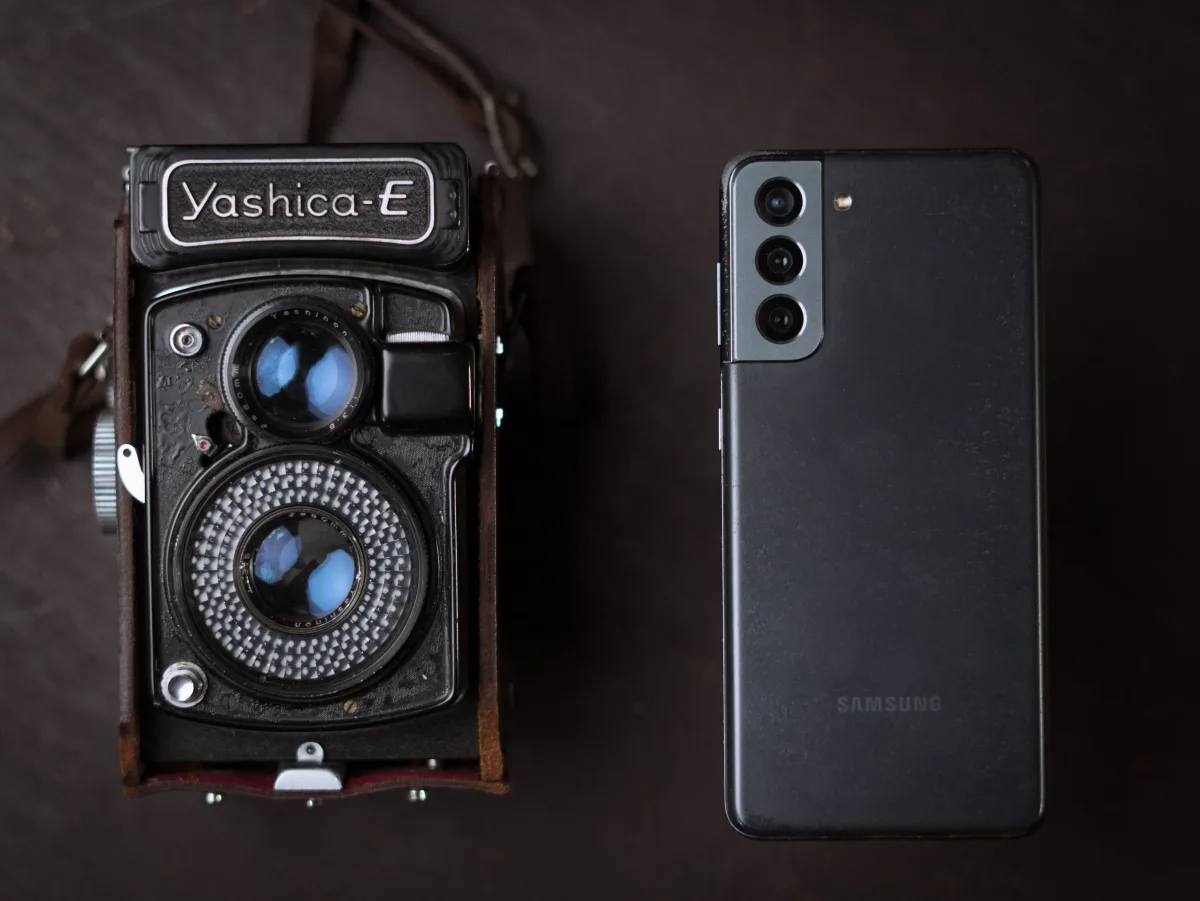
Screen quality is where budget tablets make their most visible compromise. The Amazon Fire HD 8's 1280×800 resolution produces noticeably less sharp text and images than iPad or Samsung displays at similar viewing distances, according to Wirecutter — not a spec-sheet abstraction, but something you'll actually notice reading text-heavy pages or watching anything above standard definition. Wirecutter's reviewers also preferred Samsung's brightness and color reproduction over the Fire HD 8, and flagged that the Fire HD 8's screen picks up fingerprints persistently.
The Fire HD 10 steps up to a 1080p panel — a meaningful upgrade over the HD 8 for video — though it still trails the color accuracy and brightness of Samsung's OLED panels and Apple's Liquid Retina displays.
At the other end of the scale, the Samsung Galaxy Tab S11 Ultra's 14.6-inch display is the largest in this comparison. Mashable describes it as enabling genuine side-by-side multitasking — watching video while playing a game, for instance. The trade-off is physical: it's awkward to hold one-handed, and the screen real estate feels like overkill for casual browsing. The Samsung Galaxy Tab S10+'s 12.4-inch OLED display, per Wirecutter, is a more manageable balance of size and portability for most users.
One notable outlier worth knowing about: the TCL Nxtpaper 11 Plus, which CNET highlights for a three-mode display — Regular LCD, a paper-like mode for reduced eye strain, and an Eye Care mode for long sessions. The matte layer caps peak brightness compared with a standard LCD, but the flexibility genuinely helps anyone who reads on a screen for hours at a stretch.
Which Tablet Wins for Each Use Case
Generic "best for most people" picks hide more than they reveal. Here's how these tablets map to specific situations.
Students. Light academic work — note-taking, research, streaming lectures, writing papers — is well served by the base iPad (11th gen) or the Samsung Galaxy Tab S10 FE. Wirecutter names the 11th-gen iPad its top pick for most people, citing hardware quality, ease of use, and a deep app library; Apple also bumped base storage to 128GB in the 2025 model, up from 64GB, which matters for students storing documents and offline content. The Galaxy Tab S10 FE is Wirecutter's top Android pick and suits students who prefer Android or already own a Samsung phone.
Creatives. Digital artists, illustrators, and video editors get the most out of the iPad Air M4 or iPad Pro M5. iPadOS's creative app depth — Procreate, LumaFusion, full-feature Adobe Lightroom — has no true Android equivalent, and the Apple Pencil's precision and low latency remain the industry standard for tablet illustration. The extra accessory cost is real, but for serious creative work the platform advantage justifies it.
Families. A shared device for homework and streaming favors the Amazon Fire HD 10's low entry price and straightforward parental controls. The limited app catalog matters less when the main uses are YouTube Kids, Netflix, and light browsing — and the low price takes the anxiety out of handing it to a kid. Wirecutter actually recommends the Fire HD 8 over the HD 10 for most people because it's easier to hold one-handed and cheaper, though the HD 10's bigger screen suits households where the tablet mostly sits on a table.
Professionals. Anyone wanting a tablet to replace or complement a laptop should look at the iPad Pro M5 or Samsung Galaxy Tab S11 Ultra. Both support external keyboards, both handle advanced multitasking, and both have the horsepower for professional workloads. Samsung's DeX desktop mode on select models gives Android-native users an interface that may feel more familiar than iPadOS's Stage Manager.
If you're weighing a tablet against a more conventional laptop or a 2-in-1, our guide to the best PC monitors for work, design, and everyday use is a useful next stop for setting up a proper desk station around whichever device you choose.
Operating Systems Compared: iPadOS vs Android vs Fire OS
PCMag puts it plainly: Android tablets make excellent media players, e-readers, and kids' devices, but they rarely match iPads on versatility and performance. That's not a knock on Android — it's an accurate read of where the app ecosystems stand in 2026. Tablet-optimized Android apps remain less numerous and less polished than their iPadOS counterparts, especially in creative and productivity categories.
Samsung's One UI layer is the strongest Android tablet experience available: multi-window tools, split-screen modes, Galaxy AI writing features, and DeX desktop mode on compatible models give Samsung tablets a feature breadth stock Android can't match. The trade-off is added software complexity, and Galaxy AI features are tied to Samsung's ecosystem — long-term availability across future Android updates isn't guaranteed.
Fire OS is built entirely around Amazon's services — Prime Video, Kindle, Alexa, the Amazon Appstore. If your tablet life centers on Amazon, it's seamless. If it doesn't, the absence of Google Play is a real constraint: you can't natively install Gmail, Google Maps, or many popular productivity apps on a Fire tablet, which rules it out for productivity-focused buyers.
iPadOS's update reliability is a genuine differentiator. Wirecutter's point about frequent iOS security updates — something it says can't be said of many Android tablets — reflects a real pattern: budget Android tablets often get only one or two OS updates before support ends, while Apple has a track record of supporting iPads for five-plus years of full software updates, extending the device's useful life and protecting your data.
Budget Reality Check: What You Actually Get at Each Price Tier
Consumer Reports frames the market accurately: from sub-$100 devices suited mainly to browsing and e-reading, up to $1,000-plus devices built for professional workloads. The real question isn't which tier is "best" — it's which tier matches what you'll actually do with the tablet.
At the entry level, the Fire HD 8 and Fire HD 10 deliver more than enough for streaming, light browsing, and reading. The risk here is frustration: push a Fire tablet into tasks it wasn't designed for — demanding apps, heavy multitasking, productivity work — and the experience degrades fast. Buy one knowing exactly what it is, and it's excellent value; buy one hoping it'll stretch into productivity use, and you'll likely regret it.
The mid-range — Samsung Galaxy Tab S10 FE+ and the base iPad (11th gen) — represents a real quality jump: display, performance headroom, and app depth all improve substantially over budget Fire tablets. This tier suits the widest range of buyers: students, casual professionals, and households that want one device to handle most tasks competently.
The premium tier — iPad Air M4, iPad Pro M5, Samsung Galaxy Tab S11 Ultra — is justified for specific demanding workloads, but for casual users the extra cost rarely shows up in daily experience. Wirecutter makes a sharp point worth remembering on the Samsung side: the Galaxy Tab S11 offers the same core features and Galaxy AI capabilities as the Galaxy Tab S10+, with a newer processor, for noticeably less money — unless you specifically need the S10+'s 12.4-inch OLED display and larger battery, the S11 is the smarter buy.
Don't forget accessories in your budget. Apple Pencil and keyboard cases are sold separately for every iPad; some Samsung models bundle the S Pen; Fire accessories are generally cheap. When comparing sticker prices between an iPad and a Galaxy Tab, factor in whether you'll need a stylus or keyboard — the price gap between platforms often narrows once accessories are included.
If a tablet is part of a wider home-office or entertainment refresh, check our roundups on the best wireless earbuds of 2026, the best over-ear and noise-canceling headphones, and the best portable chargers and power banks to round out the setup.
Final Recommendation: A Decision Framework
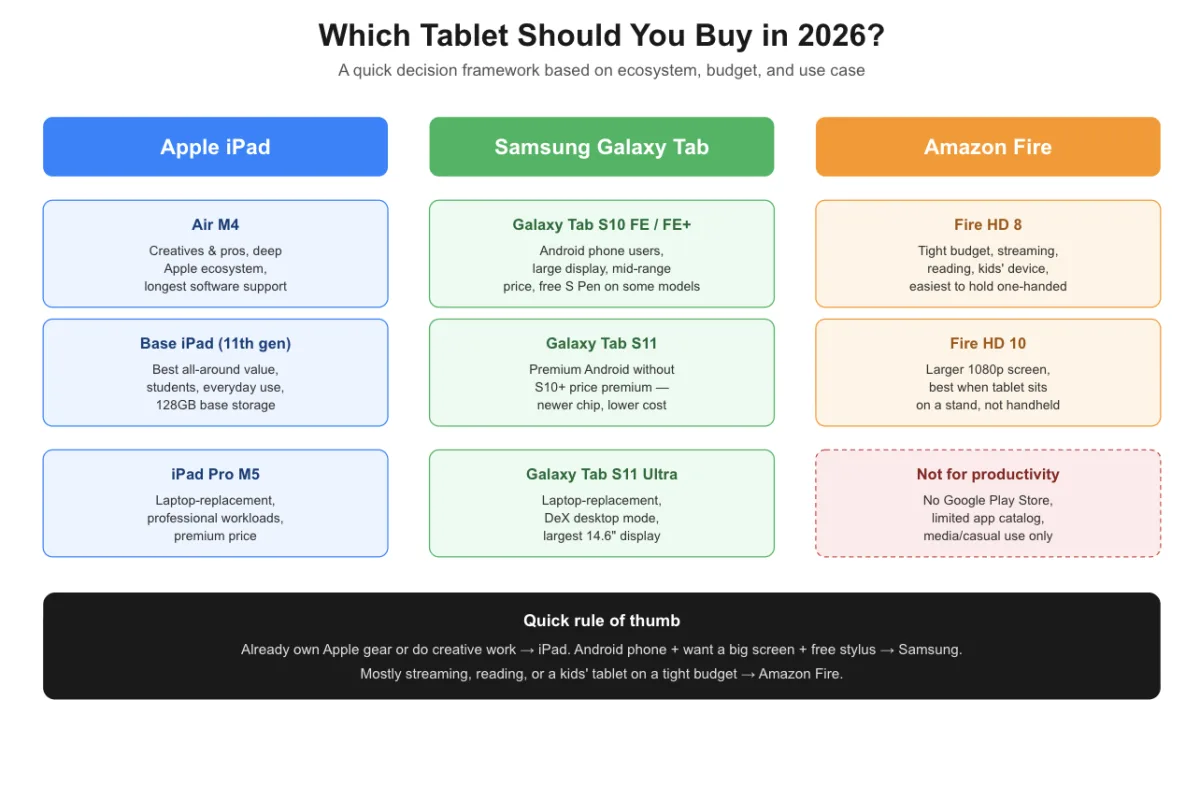
Rather than one universal winner, use this framework based on your actual situation:
- Buy the iPad Air M4 if you're already in the Apple ecosystem, do creative or professional work on a tablet, or want the longest software-support window and the deepest app library. Accept that accessories cost extra.
- Buy the base iPad (11th gen) if you want the best all-around tablet for everyday use at a lower price than the Air, and you're fine with iPadOS. It's Wirecutter's top pick for most people, and 128GB base storage makes it genuinely usable out of the box.
- Buy the Samsung Galaxy Tab S10 FE or S10 FE+ if you use Android on your phone, want a large display at a mid-range price, and value the included S Pen. It's the strongest Android tablet for most buyers who don't need Apple's ecosystem.
- Buy the Samsung Galaxy Tab S11 if you want a premium Android experience without the Galaxy Tab S10+'s price premium — same core features, a newer chip, lower cost.
- Buy the Amazon Fire HD 8 if your primary use is streaming, reading, and light browsing, your budget is tight, or you need a low-stakes device for kids. Go in knowing the app ecosystem is limited and the display isn't sharp by modern standards.
- Buy the Amazon Fire HD 10 over the HD 8 only if screen size matters more than portability — for example, if the tablet will live on a stand rather than be held. For handheld use, the HD 8 is easier to manage.
- Skip the premium tier (iPad Pro M5, Galaxy Tab S11 Ultra) unless you have a specific professional workload that demands it. For most buyers, the mid-range delivers roughly 90% of the experience for about 60% of the cost.
The single most common mistake tablet buyers make is optimizing for specs they'll never use. A faster chip doesn't make Netflix sharper. A bigger screen doesn't make email easier. Match the device to what you'll actually do with it, factor in the ecosystem you already live in, and budget honestly for accessories before you check out.
Frequently Asked Questions
Is the iPad Air M4 worth the price over the base iPad in 2026?
For most everyday use — streaming, browsing, email, light productivity — the base iPad (11th gen) delivers a very similar experience for less money. The Air M4's chip becomes genuinely valuable if you edit video, run demanding creative apps, or want the larger 13-inch display option. CNET's Scott Stein calls the Air M4 the best value among current iPads, but that still means a premium price versus the base model.
Can Amazon Fire tablets replace an iPad or Samsung Galaxy Tab for productivity?
No, and they're not designed to. Fire tablets run Fire OS, which lacks the Google Play Store and many productivity apps. They're built for media consumption and casual use inside Amazon's ecosystem. If you need a tablet for work, stylus note-taking, or professional apps, a Fire tablet will frustrate you quickly.
Which tablet is best for Android users who don't want to switch to Apple?
The Samsung Galaxy Tab S10 FE is Wirecutter's top Android tablet pick for 2026. It offers strong Google app integration, a capable display, and Samsung's One UI with multi-window tools, and the included S Pen on some models adds value at no extra cost — the most natural transition for an Android phone user who wants a tablet that feels familiar.
Do Samsung Galaxy Tab tablets get long-term software updates like iPads?
Samsung has meaningfully improved its update commitments, offering up to four years of OS updates on Galaxy Tab S-series devices — better than most Android tablet makers, though still short of Apple's five-plus years of full software support. If you tend to keep devices for many years, that gap is worth factoring in.
Is the Amazon Fire HD 10 better than the Fire HD 8 for most people?
Not necessarily. Wirecutter recommends the Fire HD 8 over the HD 10 for most buyers because it's easier to hold one-handed, cheaper, and apps scale better on its smaller display. The HD 10's bigger, sharper 1080p screen is worth the upgrade mainly if the tablet will sit on a stand rather than be held.
Reviewed by the Trusted Buyer Report editorial team. This article was researched and drafted with AI assistance, then reviewed and fact-checked by a human before publishing. Recommendations are research-based — we synthesize manufacturer specs, independent lab tests, and verified buyer reviews, and cite our sources. We don't accept payment for rankings. How we review · How we use AI. Trusted Buyer Report may earn a commission when you use links on this page to make a purchase, at no extra cost to you. Full disclosure.