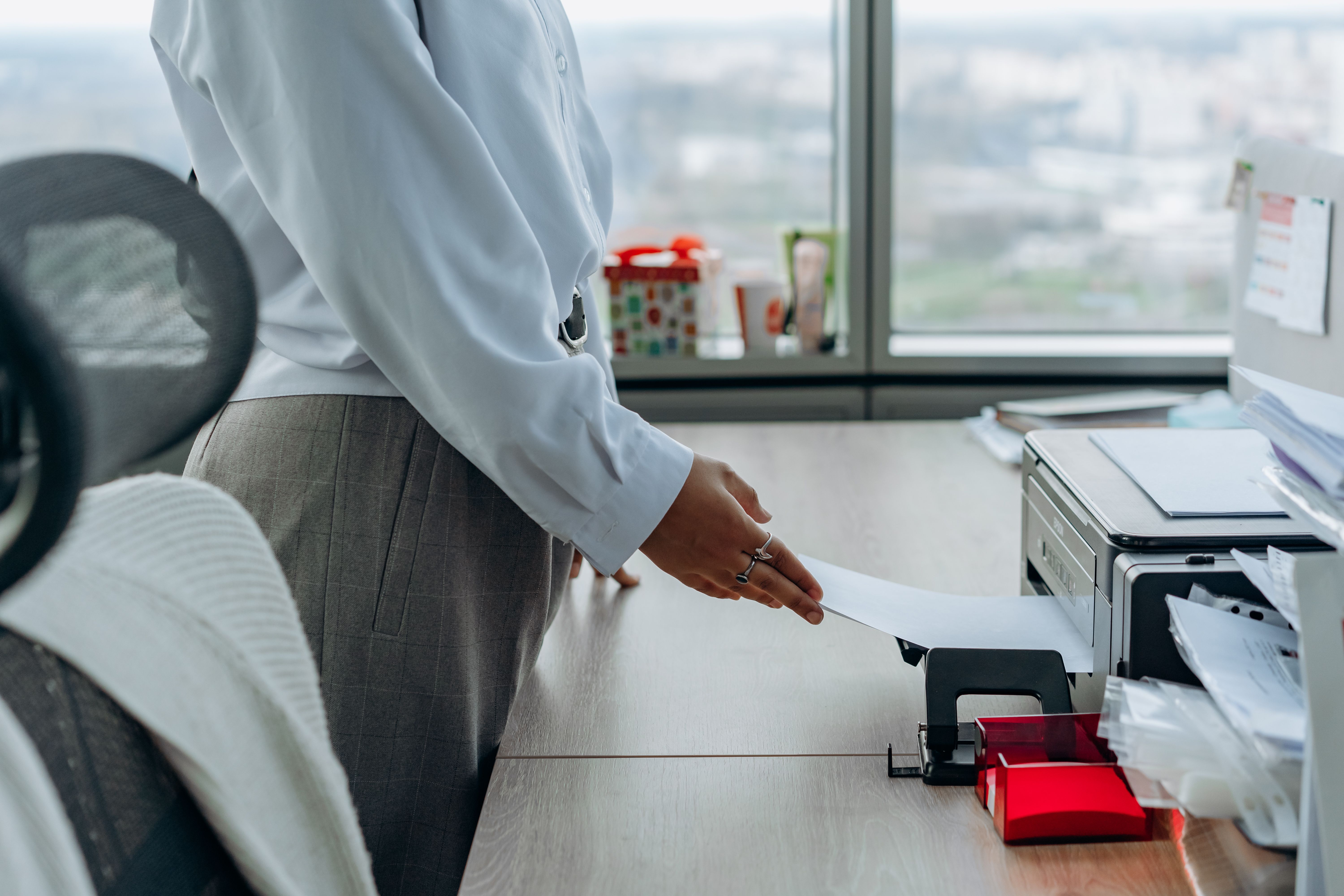
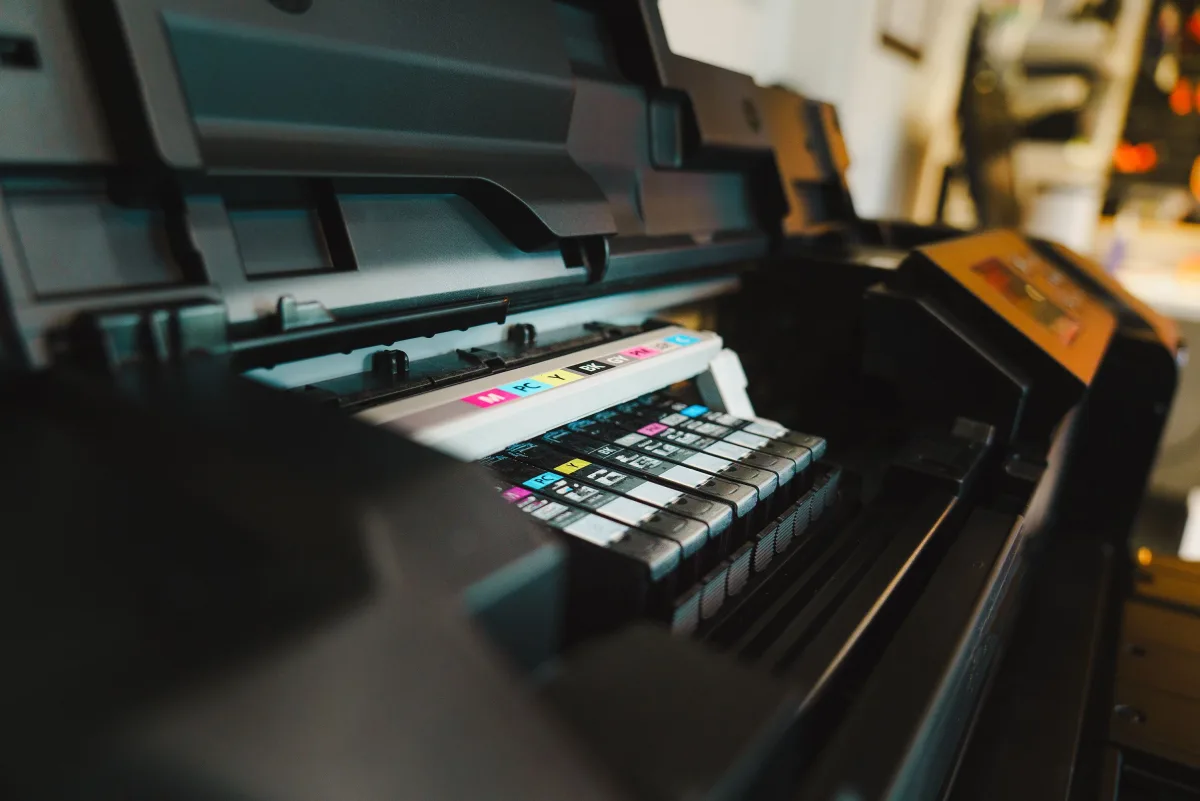
This guide is based on manufacturer specifications, independent expert sources (Consumer Reports, Wirecutter, PCMag, RTINGS.com, Forbes Vetted, CNET, and Castle Ink), and verified customer feedback. It does not reflect hands-on testing by Trusted Buyer Report. We may earn a commission when you use our links to make a purchase — at no additional cost to you. Our editorial rankings are finalized before any affiliate link is placed. Full disclosure → | How we review →
The Short Answer: Which Printer Should You Buy in 2026?
For most households: a monochrome laser printer. If you print text documents, school assignments, and forms — and your printer sometimes sits idle for weeks — a laser beats an inkjet on reliability, speed, and long-term cost. Wirecutter's top pick, the Brother DCP-L2640DW, consistently earns that recommendation.
For photo and color printing: an inkjet or ink-tank model. If you regularly print photos, art projects, or color-heavy materials, inkjet technology still produces output quality that no laser can match. Castle Ink's cost-per-page winner for 2026 is the Epson EcoTank ET-4850 — and if photography is the priority, the HP Envy Inspire 7955e leads the category.
The deciding factor isn't price — it's how your household actually uses a printer. The sections below break down why, with real numbers.
Why Most Home Printer Buyers End Up Disappointed
Here's a number that should reset how you think about this purchase: according to Consumer Reports' annual printer survey, consumer satisfaction with inkjet printers is measurably lower than with laser printers — and yet inkjets dominate home printer sales. That gap between what people buy and what makes them happy is not random. It is the predictable result of choosing a printer on the wrong criteria.
The typical purchase goes like this: a buyer sees a $50–$80 inkjet at a big-box store, grabs it, and it works fine for the first few weeks. Then life gets busy. The printer sits idle for six weeks. When someone finally needs it — for a permission slip, a tax form, a boarding pass — the machine spends several minutes running cleaning cycles, burns through part of an ink cartridge, and may or may not produce a usable page.
PCMag and Wirecutter both identify this clogging behavior as a structural failure mode of inkjet technology — not a defect in any specific model, but an inherent consequence of liquid ink sitting in fine nozzles between print jobs.
Understanding this upfront changes the entire decision framework.
How Inkjet and Laser Printers Work — and Why It Matters
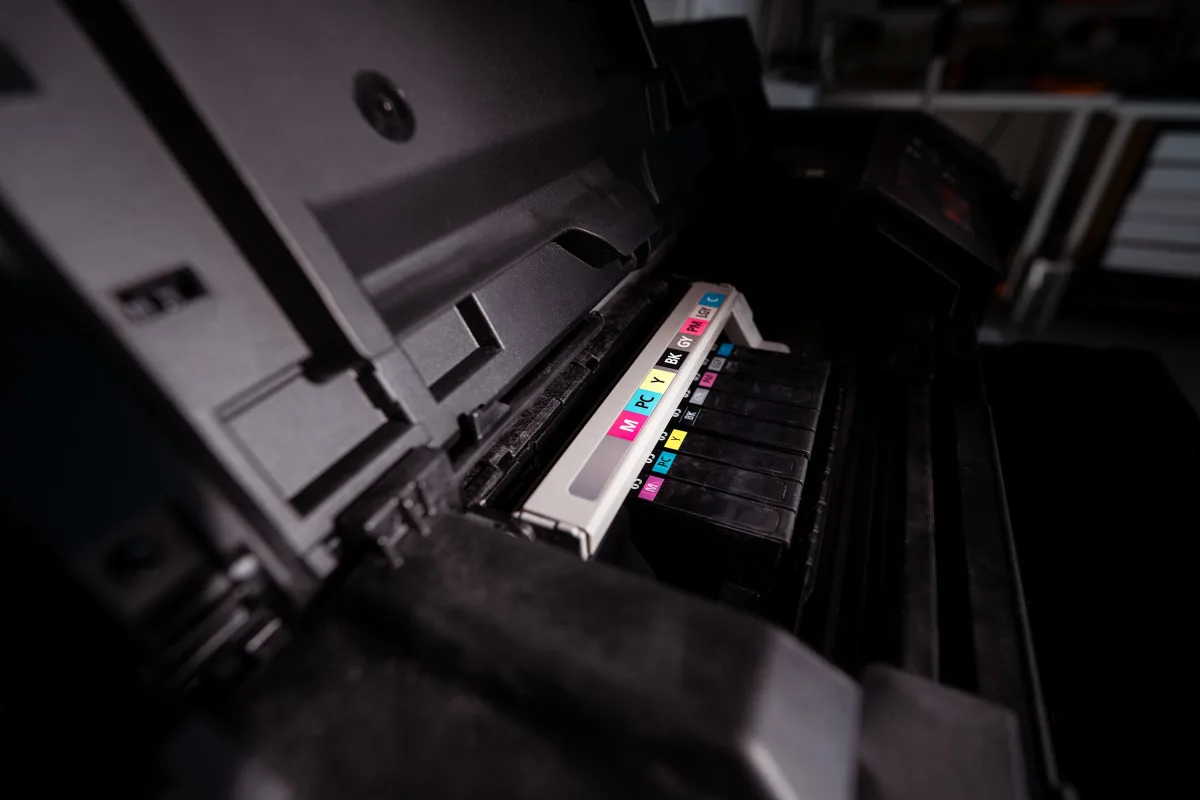
You do not need an engineering background to understand the core difference. But understanding it makes every trade-off in this article click.
How an inkjet printer works
An inkjet fires microscopic droplets of liquid ink through tiny nozzles directly onto paper. Because the ink is liquid and blends on contact, inkjets can reproduce smooth color gradients, subtle skin tones, and fine photographic detail. The structural weakness: liquid ink can dry inside those nozzles during idle periods. The machine then runs cleaning cycles — which consume ink — before it can print reliably again. The longer the idle period, the more likely the clog.
How a laser printer works
A laser printer uses a laser beam to create an electrostatic image on a drum, which attracts powdered toner. That toner transfers to paper and is fused permanently by heat. The result is sharp, dry text that cannot smear. Because toner is a dry powder sealed inside a cartridge, it does not evaporate or degrade during idle periods. Wirecutter notes explicitly that unlike an inkjet, a monochrome laser will not clog if left sitting idle for weeks or months. PCMag makes the same point about the HP LaserJet M209d: it can sit unused for months and still print correctly on demand.
One mechanical difference — liquid ink vs. dry powder — explains nearly every trade-off in this comparison. Keep that in mind as you read on.
The Real Cost Comparison: Upfront Price vs. Cost Per Page
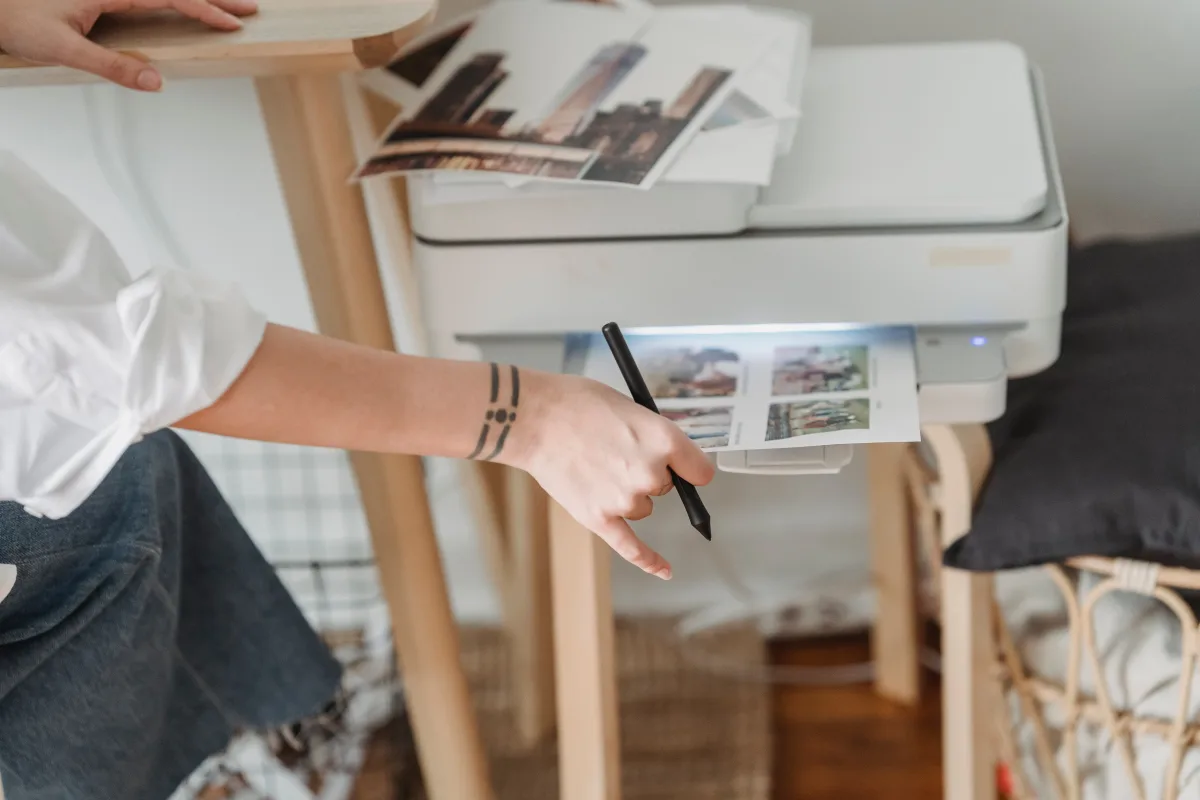
The sticker price of a printer is the least useful number for understanding what it will actually cost you. The figure that matters is cost per page — what each printed sheet costs when you factor in consumables over the life of the machine.
| Printer Type | Typical Upfront Cost | Cost Per Page (Text) | Cost Per Page (Color) |
|---|---|---|---|
| Monochrome laser | $100–$200 | Very low | N/A |
| Color laser | $200–$400 | Low | Moderate |
| Cartridge inkjet | $50–$150 | Higher | Higher |
| Ink-tank inkjet | $200–$400 | Low | Low |
According to Castle Ink's 2026 analysis, a solid cartridge inkjet all-in-one starts around $60–$100, while a comparable laser model requires a larger initial investment. But toner cartridges yield significantly more pages before needing replacement, which shifts the economics at volume.
CNET advises checking the cost of ink before purchasing — not just the hardware price — because ongoing consumable costs can dwarf the hardware cost over two or three years. This is especially true with cartridge inkjets, where individual cartridges are deliberately priced low to subsidize an inexpensive printer.
Ink-tank models occupy a genuinely useful middle ground. The Epson EcoTank line costs more upfront than standard cartridge inkjets but uses refillable ink reservoirs that dramatically cut cost per page. Castle Ink identifies the Epson EcoTank ET-4850 as the lowest cost-per-page printer in 2026 — beating even budget laser printers on a per-page basis for color output.
The break-even math depends entirely on your monthly print volume. A household printing 20 pages a month will almost never recoup a laser printer's higher upfront cost through toner savings. A household printing 200 pages a month will find laser economics compelling within the first year.
Estimate your actual print volume honestly before committing to either category.
Speed and Reliability: Where Laser Printers Pull Ahead
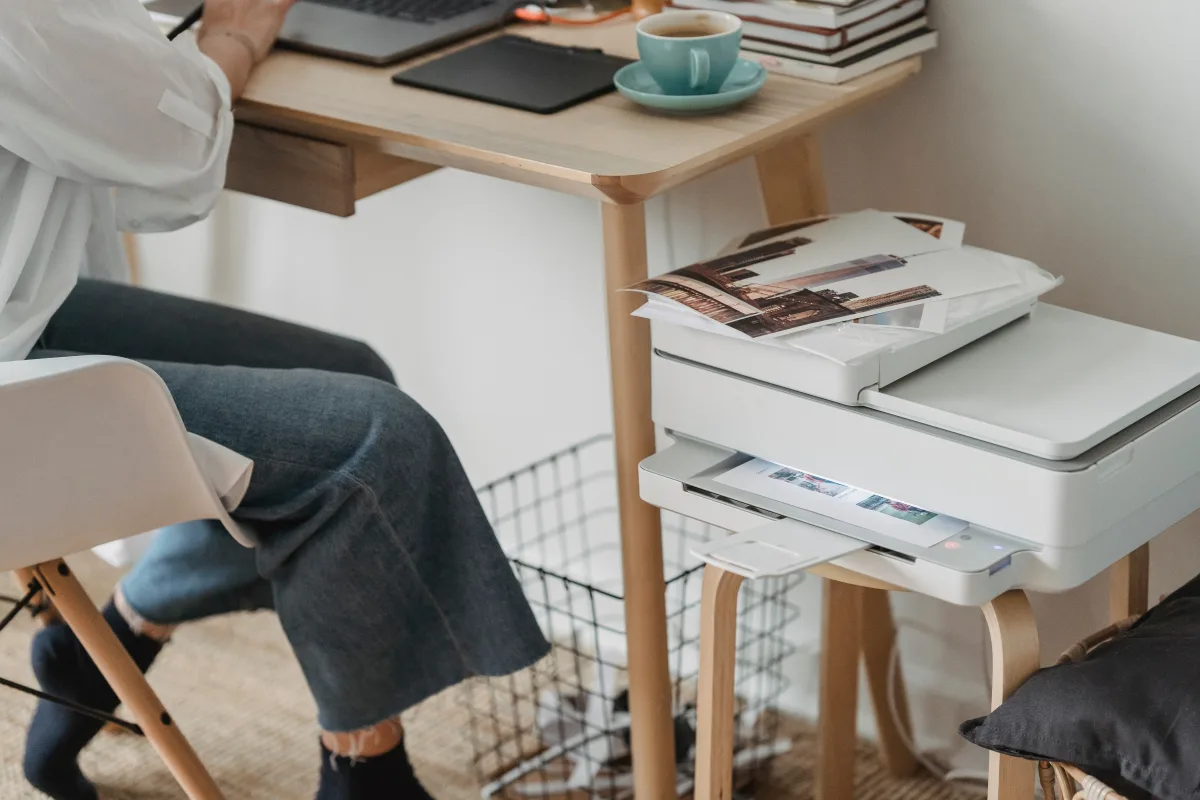
If you have ever watched an inkjet slowly work through a ten-page document — one deliberate line at a time — the speed difference is not abstract. It is frustrating.
Forbes Vetted tested more than a dozen printers and found home-office laser printers averaged around 30 pages per minute for single-sided monochrome output. Robert Covington, senior product manager at Toshiba America Business Solutions, told Forbes Vetted: "A laser printer is much faster. Even the slowest laser printer is faster than the fastest inkjet printer." That reflects the fundamental throughput difference between fusing toner and spraying liquid ink nozzle by nozzle.
Long-term reliability tells the same story. Consumer Reports' survey data shows laser printer owners report greater long-term satisfaction than inkjet owners and that laser printers are generally more reliable over time. The respondents who bought laser printers, Consumer Reports notes, genuinely love them — a level of enthusiasm inkjet owners rarely express.
For households that print infrequently — once a week or less — laser reliability carries extra weight. The printer will work correctly after sitting idle. RTINGS.com reinforces this: unlike inkjet printers, laser users do not have to worry about clogged printheads — a maintenance burden that adds both time and consumable cost to inkjet ownership.
Photo and Color Quality: Where Inkjets Still Win
A fair comparison requires acknowledging where inkjets genuinely outperform lasers. Photo output is the clearest example.
Castle Ink's 2026 analysis states directly that inkjets reproduce skin tones, gradients, and photographic paper better than any laser. The liquid ink blending process that makes inkjets susceptible to clogging is the same process that gives them their color reproduction advantage. Laser toner, fused as discrete particles onto paper, cannot replicate the smooth tonal transitions that make a portrait or landscape photograph look natural.
RTINGS.com makes this concrete in their evaluation of the Canon Color imageCLASS MF665Cdw — a well-regarded color laser all-in-one. Their verdict on photos: the output is much less detailed and clear than what an inkjet produces. Even an excellent color laser printer cannot match a mid-range inkjet for photographic output.
Inkjets also tend to run quieter than laser printers and cost less upfront. For households that regularly print photos, school art projects, greeting cards, or color-heavy materials, an inkjet or ink-tank model is the technically correct choice.
Plotter Pro highlights the Canon PIXMA series specifically for high-resolution printing suited to photos, brochures, and graphics-intensive materials. If your household's printing skews creative rather than administrative, that is the category to focus on.
Which Printer Type Fits Your Household?
Consumer Reports' survey data delivers a finding that cuts against common wisdom: most people rarely print graphics and almost never print photos — but they do print large volumes of black-and-white text. If that describes your household, the implication is direct: a monochrome laser is likely the better fit.
Wirecutter reaches the same conclusion independently, stating that a black-and-white multifunction laser is the right choice for most people. Their top pick, the Brother DCP-L2640DW, is described as reliable, cheap to buy and run, simple to operate, and immune to clogging during idle periods.
Here is how to match printer type to usage profile:
The occasional text printer — You print school assignments, government forms, and documents a few times a month. Idle periods between print jobs are common. → Monochrome laser. Reliability during idle periods is the critical requirement.
The frequent document printer — You work from home, have a student printing regularly, or run a small home business. Volume is moderate to high, and speed matters. → Monochrome laser. Best combination of speed, cost per page, and long-term reliability.
The photo and creative printer — You print family photos, art projects, greeting cards, or color-heavy school materials. → Inkjet all-in-one or ink-tank model. Accept the higher maintenance requirements in exchange for output quality that laser cannot match.
The mixed-use household — You need solid document printing most of the time but want occasional color capability. → Ink-tank all-in-one (higher upfront, lower ongoing cost, decent color) or color laser all-in-one (excellent documents, weaker photos, very reliable). Each involves real trade-offs.
Before you look at a single model name, Plotter Pro recommends working through four variables: monthly print volume, proportion of color vs. black-and-white output, available desk space (laser printers tend to be physically larger), and total budget across both hardware and consumables.
If you're building out a broader home workspace alongside your printer purchase, our 2026 Consumer Electronics Buying Guide covers the full category landscape — from monitors to storage — to help you prioritize where your budget goes.
Best Monochrome Laser Printers for Home Use in 2026
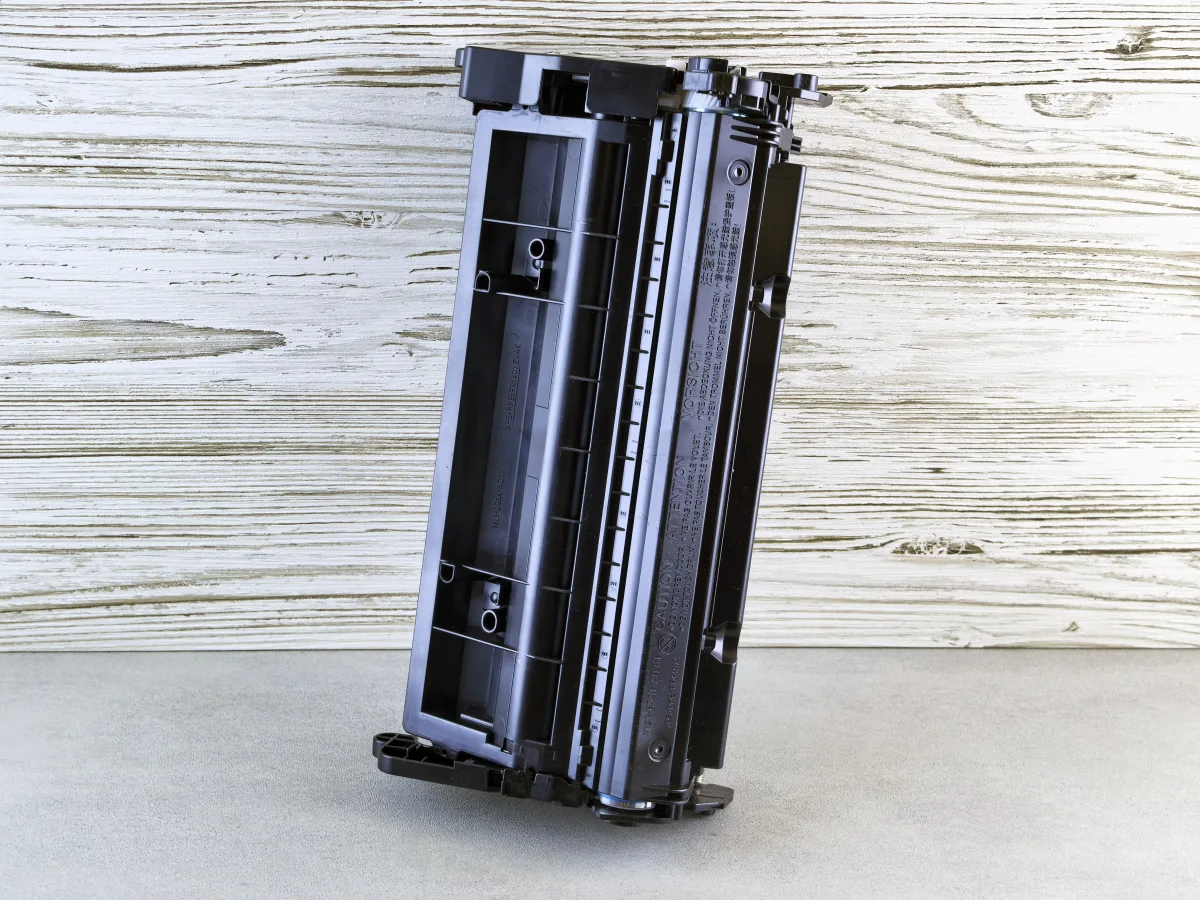
If you've worked through the profiles above and landed on monochrome laser, these models consistently appear across multiple independent evaluations.
Brother DCP-L2640DW — Best Overall for Home Use
Wirecutter's top pick. Described as reliable, inexpensive to buy and run, and simple to operate. Wirecutter specifically calls out its clog-free idle behavior as a key advantage over inkjets. It handles scanning and copying alongside printing — covering most home office needs without a separate device.
Best for: Households that print text documents intermittently and want a set-and-forget experience.
Watch out for: No color output — if you ever need color printing, you'll need a second device.
Brother HL-L2405W — Best Budget Mono Laser
Castle Ink's most-recommended monochrome laser. Key specs: 32 pages per minute, 2400×600 dpi resolution, automatic duplex printing, Wi-Fi, AirPrint and Mopria support, 250-sheet input tray, and a 15,000-page monthly duty cycle. Uses Brother TN730 or TN760 toner.
Best for: Households and small home offices printing predominantly text at high volume.
Watch out for: No scanning or copying (print-only model).
Brother HL-2460DW XL — Best Value Laser with High-Yield Toner
Forbes Vetted's pick for best laser home printer. The XL designation indicates an included high-yield toner cartridge — extending the time between replacements and reducing per-page cost further.
Best for: Buyers who want to minimize consumable interruptions and maximize value over time.
Canon imageCLASS LBP246dw II — Best Compact Mono Laser
Appears in Consumer Reports' 2026 evaluation. A compact monochrome laser well-suited for home users who want clean text output without the bulk of a full multifunction unit.
Best for: Small desks and single-user households where scanning is not a priority.
Best Inkjet and Ink-Tank Printers for Home Use in 2026

For households that need color output, photo printing, or have genuinely high color volume, these models appear consistently across 2026 evaluations.
HP OfficeJet Pro 9125e — Best Inkjet for Home Offices
CNET's best overall printer for 2026. Praised for speed and home-office versatility — CNET's testing clocked it at ten pages in 32 seconds, fast for an inkjet. Strong choice for people working from home who need office-grade output without a laser's upfront cost.
Best for: Remote workers who need a reliable all-in-one for documents and occasional color.
Watch out for: Ink costs can add up with cartridge-based models at high volume.
Canon PIXMA TS4320a — Best Entry-Level Color Inkjet
Appears in Consumer Reports' evaluated lineup. A capable home all-in-one for general household use, including moderate color printing and occasional photos. Plotter Pro consistently cites the PIXMA line for high-resolution output quality.
Best for: Families who print a mix of text documents and occasional color materials.
Epson EcoTank ET-3930 — Best Mid-Range Ink-Tank All-in-One
Consumer Reports' evaluated ink-tank option. Uses refillable reservoirs rather than cartridges, eliminating per-cartridge cost and reducing the frequency of consumable purchases.
Best for: Households that print color regularly enough to justify the higher upfront price but don't need dedicated photo output.
Epson EcoTank ET-4850 — Lowest Cost Per Page Overall
Castle Ink's pick for lowest cost per page of any printer in 2026 — inkjet or laser. If your household prints moderate to high volumes of color and wants to minimize ongoing costs, this model offers the most economical long-term path. The ink-tank design also reduces maintenance compared to cartridge inkjets.
Best for: High-volume color printing households focused on long-term economics.
Watch out for: Higher upfront cost; less compelling if you print color infrequently.
HP Envy Inspire 7955e — Best Photo Printer for Home Use
Castle Ink's top photo printer pick for 2026. If printing photographs is a genuine priority — family photos, creative projects, high-quality color output — this is the model Castle Ink points to. Pair with quality photo paper, as the paper surface significantly affects inkjet photo output.
Best for: Households where photo printing is a regular, not occasional, use case.
Brother MFC-J4555DW — Best for Home Offices Needing Fax
Included in Consumer Reports' evaluated set. Suits households needing a mid-range color all-in-one with fax capability — a narrower use case, but relevant for home offices that still handle fax functionality.
Inkjet vs. Laser: Side-by-Side Comparison
| Factor | Monochrome Laser | Color Laser | Cartridge Inkjet | Ink-Tank Inkjet |
|---|---|---|---|---|
| Upfront cost | Moderate ($100–$200) | Higher ($200–$400) | Low ($50–$150) | Moderate–High ($200–$400) |
| Cost per page (text) | Very low | Low | Higher | Low |
| Print speed | Fast (~30 ppm) | Fast | Slower | Slower |
| Photo quality | Poor | Moderate | Good–Excellent | Good–Excellent |
| Idle reliability | Excellent (no clogging) | Excellent | Poor (clogs) | Moderate |
| Noise level | Moderate | Moderate | Quieter | Quieter |
| Long-term satisfaction | High (Consumer Reports) | High | Low (Consumer Reports) | Moderate–High |
| Best for | Text-heavy, infrequent use | Documents + some color | Low-volume color, photos | Moderate–high color volume |
Frequently Asked Questions
Is a laser printer really better than an inkjet for home use?
For most households, yes — with an important caveat. Consumer Reports' survey data and Wirecutter's independent testing both conclude that a monochrome laser is the better fit for typical home use because most people print predominantly black-and-white text, rarely print graphics, and almost never print photos. If your household genuinely prints photos or color-heavy materials regularly, an inkjet or ink-tank model is the more appropriate choice. The technology that's "better" depends entirely on what you actually print.
What happens if I leave an inkjet printer unused for a long time?
Liquid ink can dry inside the print nozzles, causing clogs. When you next try to print, the machine runs cleaning cycles that consume ink before producing a usable page. Wirecutter and PCMag both flag this as a structural weakness of inkjet technology — not a defect in any particular model. Laser printers use dry toner powder and do not experience this problem; they can sit unused for months and print correctly on demand.
Are ink-tank printers worth the higher upfront cost?
For households that print moderate to high volumes of color, generally yes. Castle Ink identifies the Epson EcoTank ET-4850 as the lowest cost-per-page printer overall in 2026, beating even budget laser printers on color output cost. The higher purchase price is offset by dramatically lower ongoing ink costs compared to cartridge-based inkjets. If you print color infrequently, the economics are less compelling — in that case, a monochrome laser or an inexpensive cartridge inkjet may be more practical.
How fast are laser printers compared to inkjets?
Substantially faster for text documents. Forbes Vetted's testing found home-office laser printers averaged around 30 pages per minute for single-sided monochrome output. Robert Covington of Toshiba America Business Solutions told Forbes Vetted that even the slowest laser printer is faster than the fastest inkjet — a statement that reflects the fundamental throughput difference between the two technologies.
Can a color laser printer replace an inkjet for photos?
Not well. RTINGS.com's evaluation of the Canon Color imageCLASS MF665Cdw — one of the better color laser all-in-ones — found that photo output is much less detailed and clear than what an inkjet produces. Color laser printers excel at sharp, vibrant documents (presentations, reports, graphics-heavy text), but they cannot reproduce the smooth tonal gradients that make photographs look natural. If photo quality matters, stick with an inkjet.
What should I look for when comparing printer models?
Beyond the inkjet vs. laser decision, four specifications matter most: automatic duplex printing (two-sided output cuts paper consumption), wireless connectivity for printing from phones and laptops, toner or ink yield relative to your estimated monthly print volume, and monthly duty cycle (the maximum pages the printer is designed to handle per month). Higher-yield consumables cost more upfront but lower your effective cost per page — usually the better long-term economics.
Related Guides From Trusted Buyer Report
Choosing a printer is often part of a broader home office or tech setup decision. These guides cover related purchases worth considering alongside your printer choice:
- Monitors: Best PC Monitors 2026: Work, Design & General Use — if you're setting up a home office, your display choice matters as much as your printer.
- Webcams: Best Webcams for Remote Work & Streaming 2026 — for remote workers completing their home office setup.
- Storage: Best External Hard Drives & SSDs 2026: Speed vs. Value — storing scanned documents and print files efficiently.
- Keyboards: Best Mechanical Keyboards 2026: Typing & Gaming — another home office staple worth upgrading.
- Full electronics overview: 2026 Consumer Electronics Buying Guide — covers how all these categories fit together.
- Tablets: Best Tablets 2026: iPad vs. Samsung vs. Amazon Fire — if you're considering a tablet as a paper-free alternative for reading and light work.
- Photography: Best Photography Equipment for Hobbyists 2026 — if photo printing is a priority, this guide covers the camera side of the equation.
- Portable power: Best Portable Chargers & Power Banks 2026 — useful for the rest of your mobile tech ecosystem.
Affiliate Disclosure: Trusted Buyer Report may earn a commission when you click links or make purchases through our site, at no extra cost to you. Our editorial rankings are finalized before any affiliate link is placed and are never influenced by commercial relationships. Read our full disclosure →
AI Disclosure: This article was researched and drafted with AI assistance, then reviewed and fact-checked before publication. Read our editorial standards →