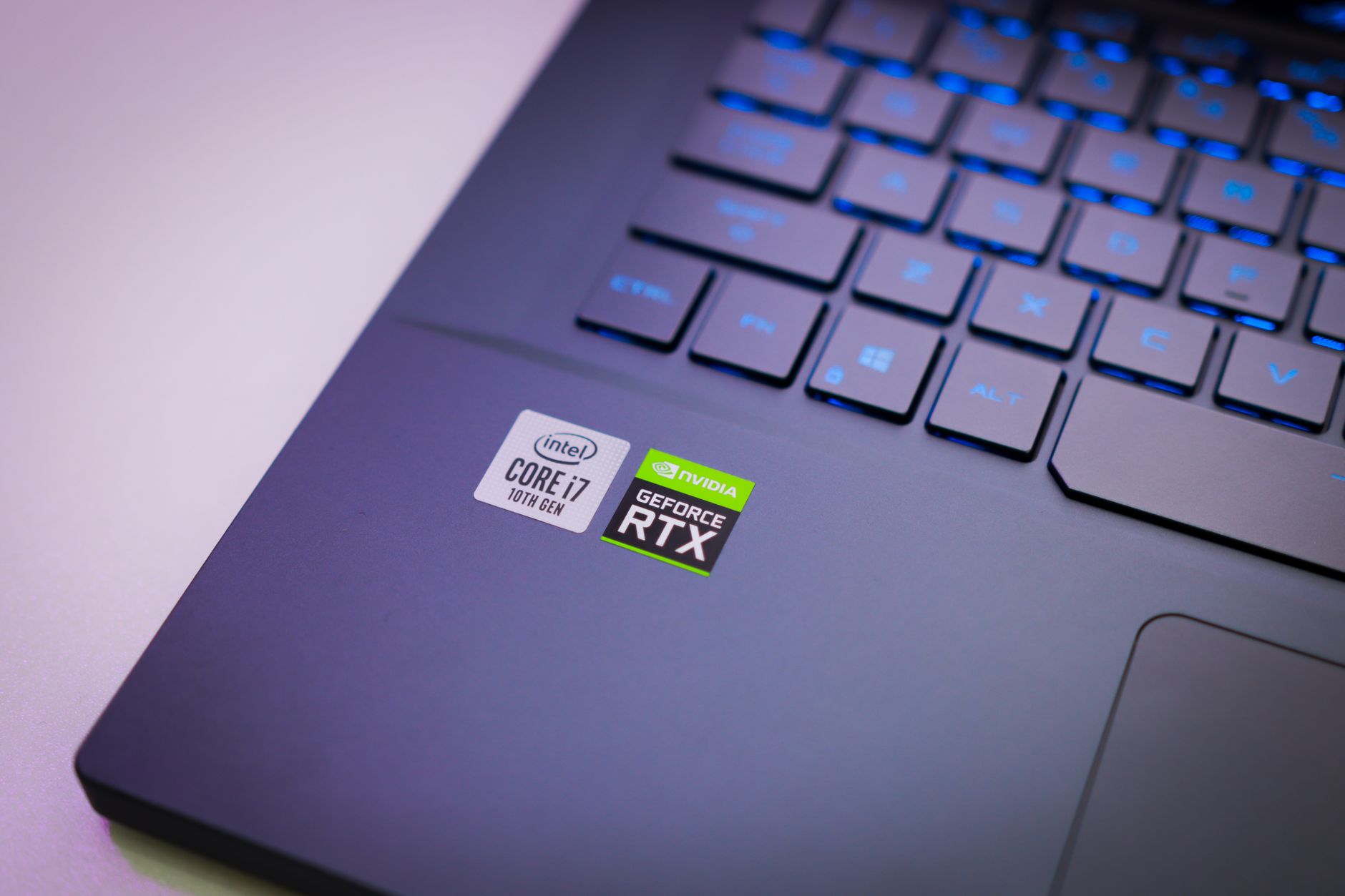
Head-to-Head: Best Gaming Laptops in 2026 at Every Price Tier
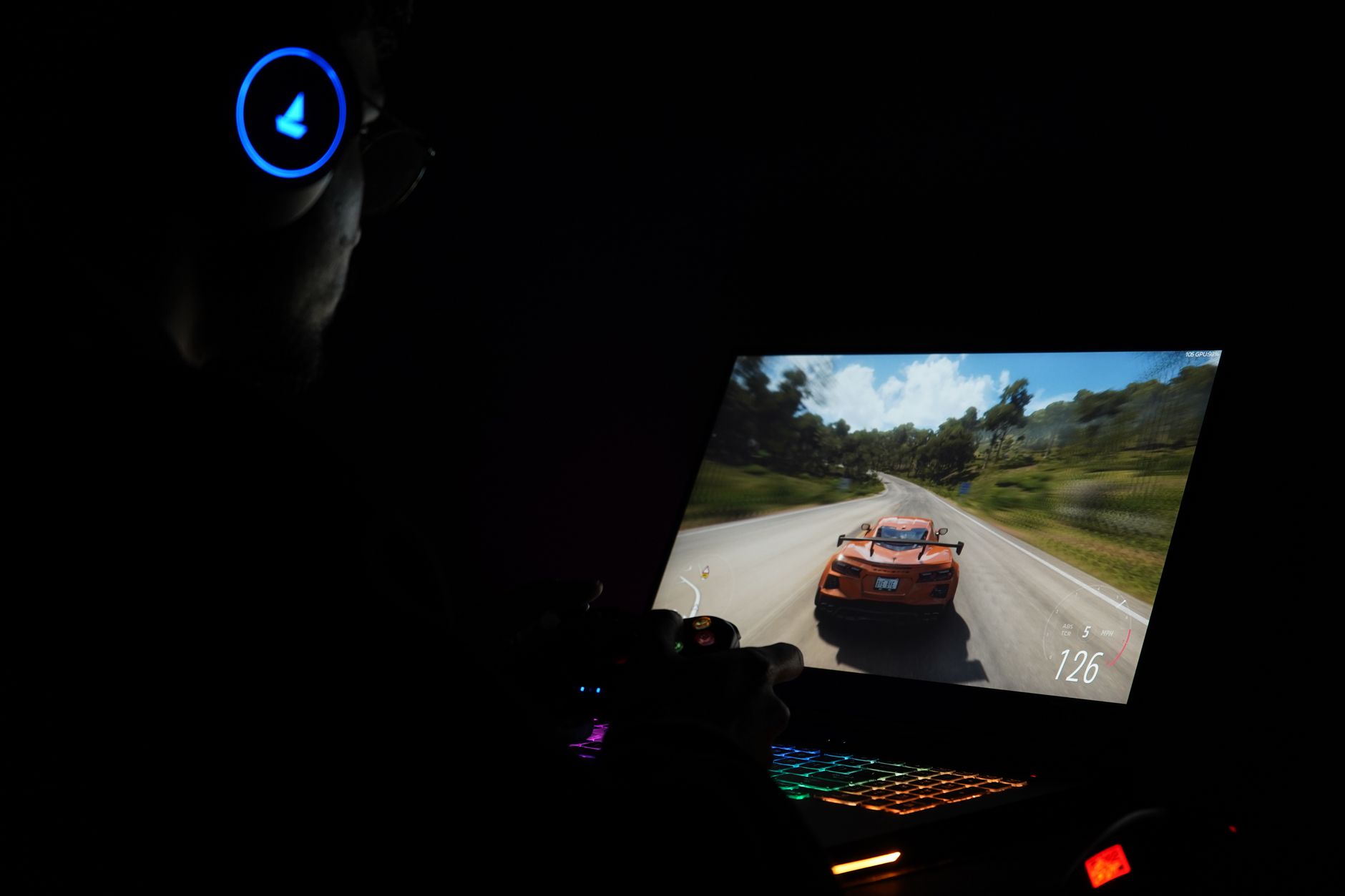
You're sitting with a budget in mind — maybe ?,500, maybe ?,000 — and you've spent the last hour reading benchmark tables that tell you one laptop is 12% faster than another without explaining whether that gap matters in a real game at your resolution. That's the problem this article solves. Before getting into hardware context, here's a direct tier-by-tier breakdown of the strongest gaming laptops available in 2026, what each one actually delivers, and where each one cuts corners.
One critical framing point before the table: price does not scale linearly with gaming performance. The jump from a ?,100 laptop to a ?,000 laptop often produces a meaningful, noticeable performance improvement. The jump from ?,000 to ?,000 produces a much smaller gaming performance gain — what you're primarily buying at the top end is build quality, display technology, thermal headroom, and chassis engineering. Keep that in mind as you read.
| Model | Tier | Approx. Price | GPU | Display | Battery Life | Weight | Key Trade-off |
|---|---|---|---|---|---|---|---|
| Acer Predator Helios 18 | Budget | Under ?,500 | RTX 5060 (varies) | 1080p / 1440p IPS | Moderate | Heavy | Display quality and build premium |
| Alienware 16 (base) | Budget | ~?,100 | RTX 5050 | 1080p IPS | Moderate | 5–6 lbs | Lower-tier GPU limits demanding titles |
| Alienware 16X Aurora | Mid-Range | ?,999.99 | RTX 5070 | 16-inch 2560×1600 IPS | Just under 7 hours | 5.86 lbs | Hot air exits from sides; PCIe 4.0 SSD |
| Razer Blade 14 (2025) | Mid-Range | ?,299.99 | RTX 5070 | 14-inch QHD+ | Strong for size | ~3.9 lbs | Smaller screen; thermal limits vs. larger chassis |
| Asus ROG Strix Scar 16 | Premium | ?,500+ | RTX 5080 | Mini LED 240Hz | Longer than expected | ~5.5 lbs | Loud fans; expensive |
| Razer Blade 18 | Ultra-Premium | ?,199.99 | RTX 5090 | 18-inch dual-mode | Leading battery life | ~6.4 lbs | PCIe 4.0 SSD; very high price |
| MSI Vector 16 HX AI A2XW | Premium | ?,500+ | RTX 5080 | 16-inch 240Hz | Moderate | Heavy | Dated, bulky design; offset keyboard |
Each laptop above is best for a specific buyer, not universally best. The Alienware 16X Aurora suits someone who wants the most gaming performance per dollar in the mid-range. The Razer Blade 14 suits someone who travels frequently and needs a machine that fits in a bag without destroying their back. The ROG Strix Scar 16 suits a power user who games for hours daily and wants a display that matches the GPU's output. No single model wins across all categories.
If you want a broader view of where gaming laptops fit within the wider consumer electronics landscape, The Complete Buyer's Guide to Consumer Electronics 2026 covers the full picture, including how to think about gaming hardware alongside other tech investments.
What the 2026 Gaming Laptop Market Actually Looks Like Right Now

The gaming laptop market has grown substantially over the past several years and shows no signs of slowing. According to market.us, the global gaming laptop market was valued at USD 15.1 billion in 2025 and is projected to reach USD 25.1 billion by 2035, growing at a CAGR of 5.2% from 2026 to 2035. That growth reflects genuine mainstream adoption — gaming laptops are no longer a niche purchase for enthusiasts only.
CES 2026 introduced two significant platform shifts that directly affect which laptops you should consider right now. Intel launched its Panther Lake Core Ultra Series 3 processors, which are appearing in thinner designs like the ASUS Zephyrus G14 and G16. According to CES 2026 coverage on YouTube, Intel's new B390 integrated graphics claims a 76% improvement over prior-generation Intel iGPU performance in games, and an 82% improvement over AMD's integrated graphics. Those are manufacturer claims, not independent test results, but they signal that thin-and-light gaming is becoming more viable at the lower end of the market.
AMD's Ryzen 400 series also launched, but as the same CES coverage notes, it remains on the Zen 5 architecture from 2025. Performance gains over last year's Ryzen models are incremental rather than generational. If you already own a 2025 AMD-based gaming laptop, there's no compelling reason to upgrade on CPU grounds alone.
HP made a notable branding move at CES 2026: according to market.us, HP transitioned its Omen gaming PC lineup under the HyperX brand, unifying its gaming hardware and peripherals strategy. The Omen 15, Omen 16, and Omen Max 16 received performance upgrades powered by the latest Intel and AMD processors alongside this rebrand. If you see HP HyperX branding on a gaming laptop in 2026, that's the former Omen line — the underlying hardware is the same product family.
The market now divides clearly into two categories: traditional thick-chassis performance laptops (where cooling systems are large enough to sustain peak GPU performance indefinitely) and thin-and-light gaming ultrabooks (where thermal constraints mean performance can throttle under extended load). Deciding which category fits your lifestyle before comparing specs will save you from buying the wrong machine entirely.
Budget Tier (Under ?,500): Where You Get Genuine Gaming Value in 2026

Sub-?,500 gaming laptops in 2026 can handle most AAA titles at 1080p or 1440p on medium-to-high settings. That was not reliably true two or three years ago, which means the budget tier has improved faster than any other segment. If your primary use case is esports titles — games like Valorant, CS2, or League of Legends — a well-chosen budget laptop will deliver frame rates that exceed what any monitor at this price range can display.
The Acer Predator Helios 18 is the most frequently cited budget-tier anchor in 2026, offering strong performance per dollar. It carries a heavier chassis than premium alternatives, and display quality reflects the price point, but for raw gaming output relative to spend, it competes well. Buyers should verify current pricing, as deals on this model fluctuate.
According to WIRED, the base Alienware 16 starts at approximately ?,100 with an RTX 5050 configuration, making it one of the most accessible branded gaming laptops available. The RTX 5050 is a lower-tier GPU — it will handle esports titles and older AAA games comfortably, but demanding open-world titles at high settings will require compromises. WIRED also notes the Lenovo LOQ 15 as a competitive alternative at a similar or lower price point, with comparable specs and a slightly smaller chassis.
The Asus TUF Gaming A16 Advantage Edition appears on RTINGS.com's tested list as an older but still viable budget option if found at a reduced price. Buying a previous-generation model at a discount is a legitimate strategy at this tier, provided you're not buying it at original MSRP.
Common trade-offs at this price point include: lower-resolution displays (often 1080p rather than 1440p), shorter battery life under gaming loads, louder fan behavior, and Wi-Fi 6E rather than Wi-Fi 7. Wi-Fi 6E is generally acceptable for gaming — latency differences in real-world home network conditions are negligible for most players. The display resolution trade-off matters more, particularly if you're gaming on a 16-inch or larger screen where 1080p pixel density becomes visibly soft.
Mid-Range Tier (?,500–?,500): The Sweet Spot — or an Expensive Compromise?

The ?,500–?,500 range is where the most competitive models cluster in 2026, and it's the hardest tier to navigate because the performance differences between models are real but nuanced. The good news: if you land anywhere in this range with a well-chosen configuration, you're getting a laptop capable of running virtually every current game at 1440p with high settings and smooth frame rates.
The standout value in this tier is the Alienware 16X Aurora. According to PCWorld, it pairs an Intel Core Ultra 9 275HX with an Nvidia GeForce RTX 5070, 32GB DDR5 RAM, a 1TB PCIe 4.0 SSD, and a 16-inch 2560×1600 IPS display at a reviewed price of ?,999.99. Battery life came in at just under 7 hours in testing — competitive for a gaming laptop at this performance level. PCWorld describes it as offering a "very competitive price" for its specs, while noting that hot air exits from the sides of the chassis, which can be uncomfortable if the laptop is on a desk in a confined space.
The Razer Blade 14 at ?,299.99 represents the portable end of this tier. PCMag awarded it Editors' Choice for best portable gaming laptop, giving it a 4.5 rating. The trade-off is straightforward: you get a significantly lighter, more travel-friendly chassis at the cost of a smaller screen and the thermal constraints that come with a compact form factor. If you game primarily at a desk with an external monitor, the Blade 14's portability advantage is less relevant. If you carry your laptop daily and game in varied locations, the weight difference is genuinely meaningful.
Display quality improves noticeably in this tier. Higher-resolution panels, faster refresh rates, and better color accuracy become standard rather than optional. For buyers who care about image quality in story-driven games or who do any creative work alongside gaming, this improvement alone can justify the step up from the budget tier.
One upgradeability consideration worth flagging: PCMag specifically highlights that the Asus ROG Strix Scar 16 offers tool-free RAM and SSD access, which extends the useful life of the investment. At a ?,000+ price point, being able to upgrade RAM or storage two years from now without voiding a warranty or needing a technician is a meaningful long-term value factor. Not all laptops in this tier offer that.
For a broader look at how to evaluate gaming hardware purchases — including peripherals, monitors, and consoles alongside laptops — the Gaming Buyer's Guide 2026: Consoles, PCs & Accessories provides useful context for building a complete gaming setup rather than optimizing the laptop in isolation.
Premium Tier (?,500 and Above): What You're Actually Paying For

At ?,500 and above, the honest answer to "what am I paying for?" is mostly not raw gaming performance. Most AAA games in 2026 run excellently on a well-configured ?,000 laptop. What the premium tier delivers is build quality, display technology, sustained performance under extended load, and chassis engineering that makes the machine feel different to use every day.
The Asus ROG Strix Scar 16 is the benchmark for this tier. According to PCMag, it delivers blazing gaming performance, a sharp Mini LED 240Hz display, effective cooling, and longer battery life than most competing laptops at this performance level. PCMag describes the high price as justified by those attributes. The real-world trade-off is fan noise: the cooling system is effective, but it is loud under sustained gaming load. If you game in a shared space or use headphones with noise cancellation, this matters less. If you prefer quiet operation, it's worth knowing upfront.
The Razer Blade 18 sits at the extreme end of this tier at ?,199.99 as tested. Tom's Hardware describes it as offering some of the strongest gaming performance they've tested in a laptop, combined with a slim 18-inch chassis and leading battery life. The dual-mode display is a genuine differentiator — it supports both high-resolution rendering for story-driven games and high-refresh-rate output for esports titles, meaning you're not choosing between two use cases. The notable spec gap at this price: the Blade 18 ships with a PCIe 4.0 SSD rather than PCIe 5.0. At ?,199.99, that's a legitimate criticism. Tom's Hardware explicitly flags it as a reason not to buy if PCIe 5.0 speeds are a priority.
The MSI Vector 16 HX AI A2XW earns a 4.3 out of 5 from Forbes Vetted as the runner-up in the premium gaming category. Testers praised its sturdy build — Forbes notes one tester joked they'd worry more about the floor than the laptop if it were dropped — and its 240Hz display performs well even at lower brightness settings. The drawbacks are design-related: the chassis looks and feels dated compared to Razer's aesthetic, and the keyboard is offset to the left, which can cause right-handed users to accidentally cover the trackpad. These are ergonomic quirks rather than performance failures, but they affect daily usability.
The practical guidance for this tier: if you cannot clearly articulate why you need more than what the Alienware 16X Aurora offers at ?,999.99, spend time with that question before committing to ?,000 or more. The performance ceiling of the premium tier is real, but for most gaming use cases, it's a ceiling you'll rarely reach.
Thin-and-Light Gaming Laptops in 2026: Real Performance or Marketing?

Thin-and-light gaming laptops occupy a genuinely difficult position in the market. They're marketed on portability and gaming capability simultaneously, but thermal physics creates a real tension between those goals. A thinner chassis means less room for cooling hardware, which means GPUs run hotter and throttle sooner under sustained load. The question isn't whether thin-and-light gaming laptops work — they do — it's whether the performance you get under real gaming conditions matches what the spec sheet implies.
Intel's Panther Lake Core Ultra Series 3 chips are now appearing in thinner designs including the ASUS Zephyrus G14 and G16, according to Ultrabook Review and CES 2026 coverage. The B390 integrated graphics in these chips offer improved performance for lighter gaming workloads, making the lower end of the thin-and-light category more viable for casual or esports gaming without a discrete GPU. For demanding AAA titles, a discrete GPU is still necessary.
The Razer Blade 14 remains the most recommended portable gaming laptop in the ?,000–?,500 range. PCMag's Editors' Choice designation reflects that it represents the best current balance of portability and gaming performance in a compact chassis. At roughly 3.9 pounds, it's meaningfully lighter than most 15-inch or 16-inch gaming laptops, and its build quality is consistent with Razer's premium positioning.
The ASUS ROG Flow Z13 is worth mentioning for a specific buyer profile. WIRED describes it as excellent and strange — a gaming 2-in-1 tablet that serves someone who needs genuine tablet functionality alongside gaming capability. It's not the right choice if you primarily game at a desk, but it's a legitimate option for a buyer whose use case genuinely spans both modes.
Older thin-and-light models like the Zephyrus M16 and Zephyrus G15 remain worth considering at reduced prices. Ultrabook Review notes the M16 as the higher-performance version with better specs, cooling, and a Mini LED display, while the G15 is a mid-specced option built on an older chassis. Buying either at a meaningful discount from original MSRP is a reasonable strategy if your gaming needs don't require the latest GPU generation.
The honest self-assessment question for this category: do you actually carry your laptop to different locations for gaming, or do you primarily game at a desk and occasionally move the laptop for other tasks? If the latter, a standard gaming chassis will deliver better sustained performance for the same money. Portability premiums are only worth paying if portability is genuinely part of your daily routine.
Key Specs That Actually Matter — and Two That Don't

GPU: The Most Important Spec
The GPU determines gaming performance more than any other component. In 2026, the RTX 5050 handles esports and older AAA titles, the RTX 5070 handles current AAA games at 1440p with high settings, and the RTX 5080 and 5090 push into 4K territory and provide headroom for demanding titles at maximum settings. Prioritize GPU tier above CPU tier when comparing laptops within the same price range.
Display: Refresh Rate and Resolution Both Matter
A 240Hz display is meaningless if the GPU can't push frame rates high enough to use it. Conversely, a high-resolution display paired with a weak GPU will force you to lower resolution to maintain playable frame rates. Match display specifications to GPU capability: RTX 5070 pairs well with 1440p at 165Hz or higher; RTX 5080 and above can justify 4K or Mini LED 240Hz panels like the one on the ROG Strix Scar 16.
RAM: 32GB Is the New Baseline
16GB RAM was sufficient for gaming in 2023. In 2026, 32GB DDR5 is the practical baseline for